Stop Training
You can gracefully stop the current training phase of a generator without cancelling the rest of the pipeline. The generator keeps running, and the remaining steps (such as synthesis and reporting) proceed as usual using the checkpoint reached up to that moment.
When to stop training
Consider stopping a training phase when:
- Validation loss has plateaued and further training is unlikely to improve the model.
- Training is taking longer than expected and a usable checkpoint is already available.
- You want to complete the pipeline faster and accept an earlier-stopped model.
Stopping is a hint, not a hard cancel: training ends at the next step boundary, so there may be a short delay before the phase actually completes.
How to stop a training phase
Navigate to the generator view page. In the “Model Training” panel, each training phase shows a fast-forward button on its left side. The button is available both while the phase is pending and while it is running.
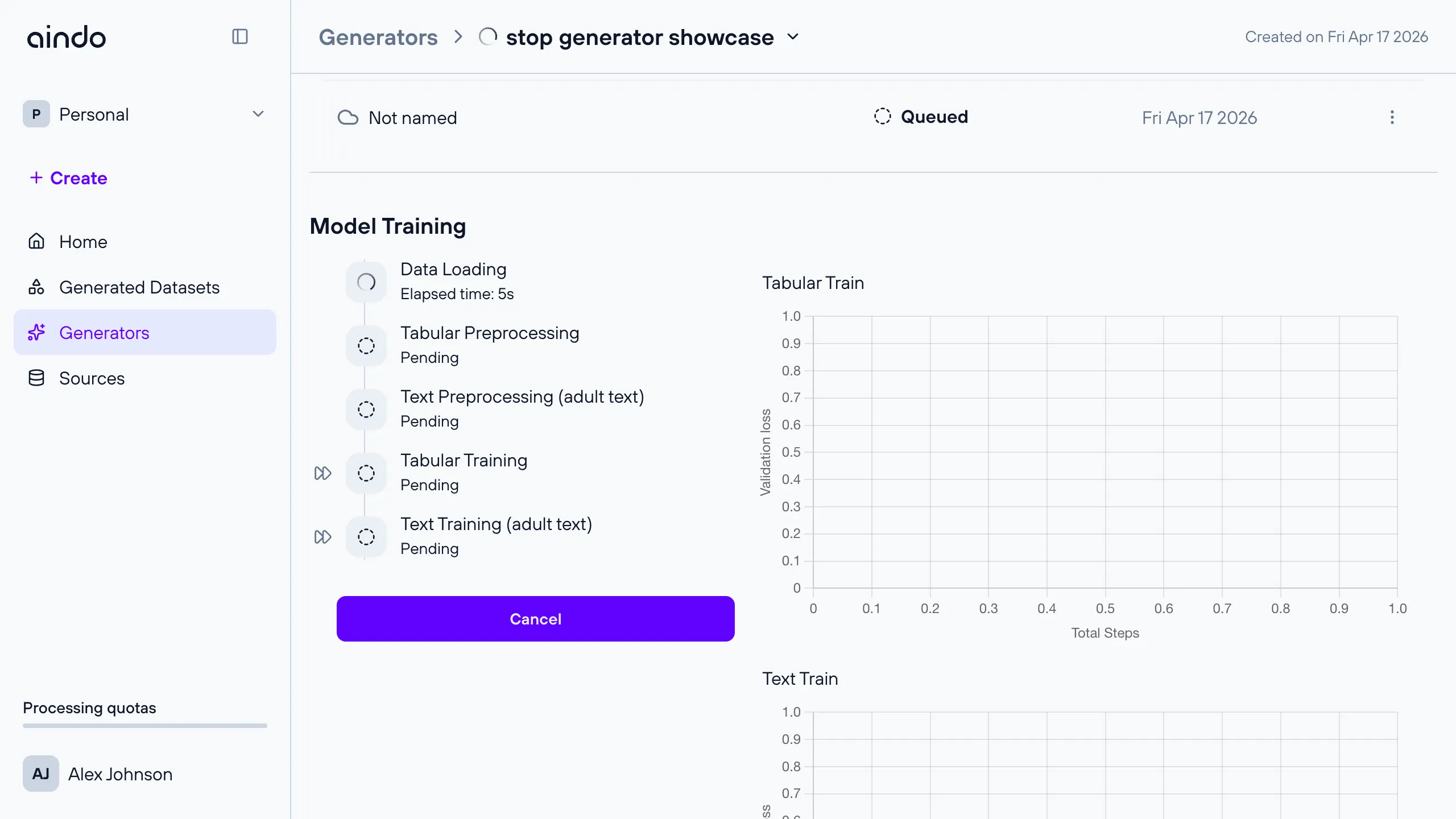
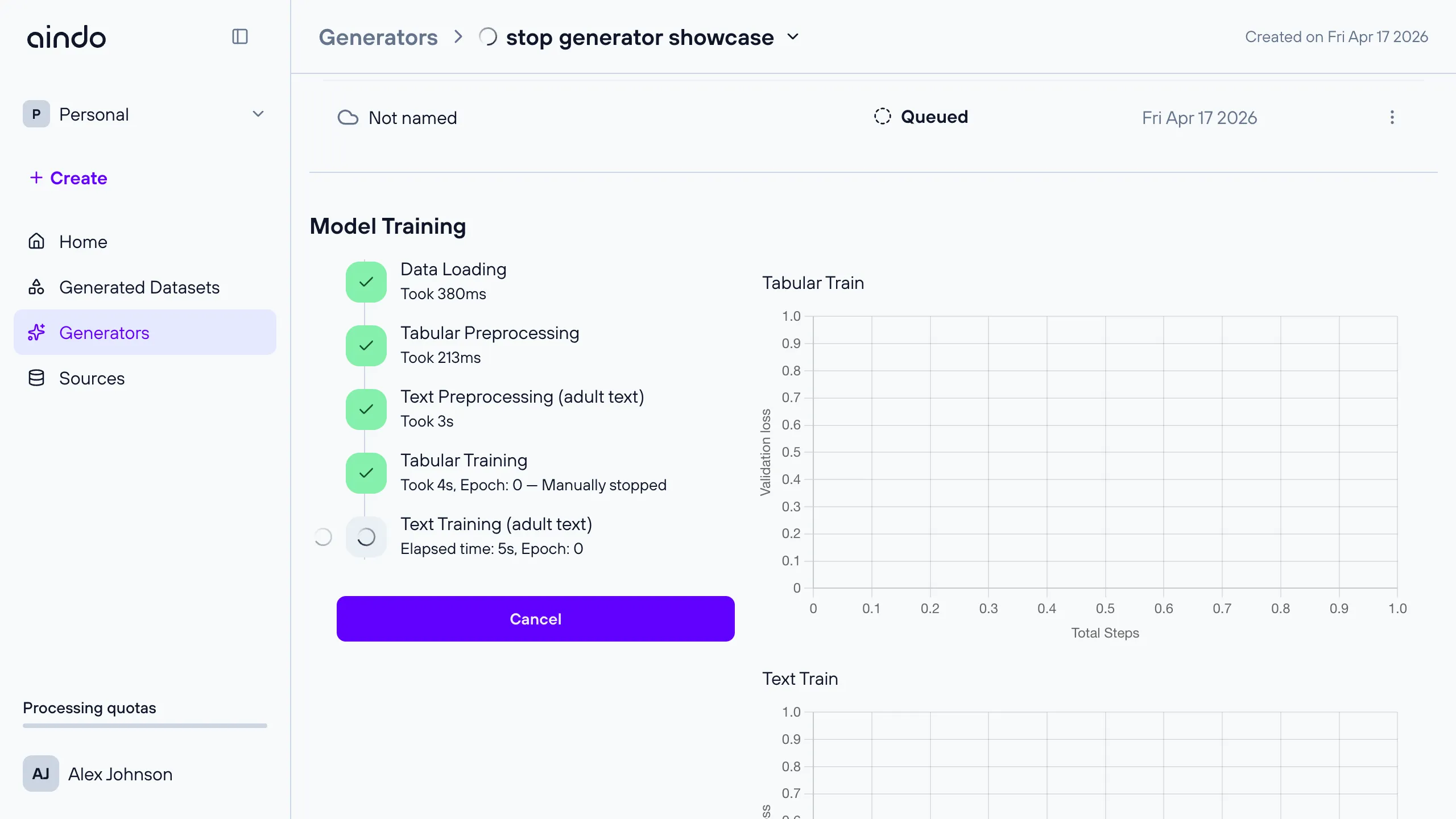
Click the fast-forward button on the phase you want to stop. The phase continues to show its elapsed time and epoch count until training actually ends. In the screenshot below, tabular training has already stopped (“Manually stopped”) while text training is still running.
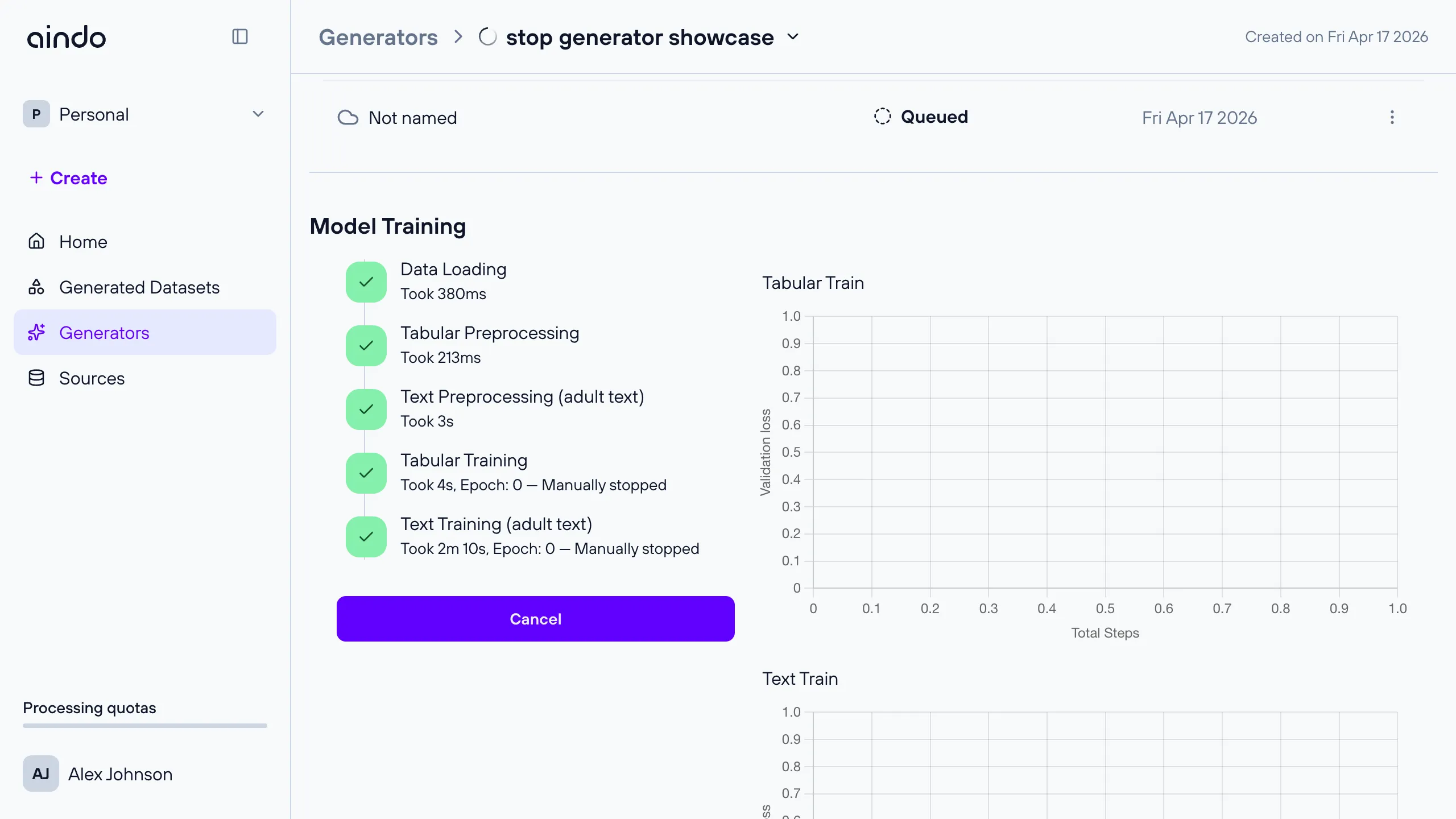
Once all requested phases complete, the timeline shows each one as successful alongside its stop reason.
If a generator has multiple text-training phases (one per table containing text columns), each phase has its own fast-forward button. Stopping one phase does not affect the others.
Pre-queueing a stop
The fast-forward button is also available on training phases that have not started yet, for example a text-training phase that is queued behind a tabular-training phase. The stop request is accepted immediately and applied as soon as that phase begins.
Stop reasons
When a training phase ends, the timeline records why it stopped. Possible reasons include:
- Manually stopped: the fast-forward button was clicked.
- Early stopped: validation loss stopped improving and training ended automatically.
- Privacy budget exhausted: the differential privacy budget was reached during training.
- Unknown: the reason could not be determined.
More than one reason can appear at once when several apply at the same time.
Stop training vs. cancel generator
Stopping a training phase and cancelling a generator are different actions:
| Action | Stop training phase | Cancel generator |
|---|---|---|
| Scope | A single training phase (tabular or a specific text table) | The whole generator execution |
| Remaining pipeline | Continues (synthesis, report, etc.) | Aborted entirely |
| Resulting checkpoint | Available, reflecting training up to the stop point | None |
| Where to find it | Fast-forward button next to each training phase | Cancel button at the bottom of “Model Training” |
If you want to end the generator entirely without producing a usable checkpoint, use the Cancel button instead.
Notes and limitations
- Stopping a phase cannot be undone. If you later decide the model needs more training, use the continue training workflow to start a new generator from the existing checkpoint.
- Anonymization generators do not involve model training, so this feature does not apply to them.